Musicus
6. November 2024 um 16:24
22
Ja, gerne
Wenn du willst, können wir auch gerne eine teamführerverbindung starten
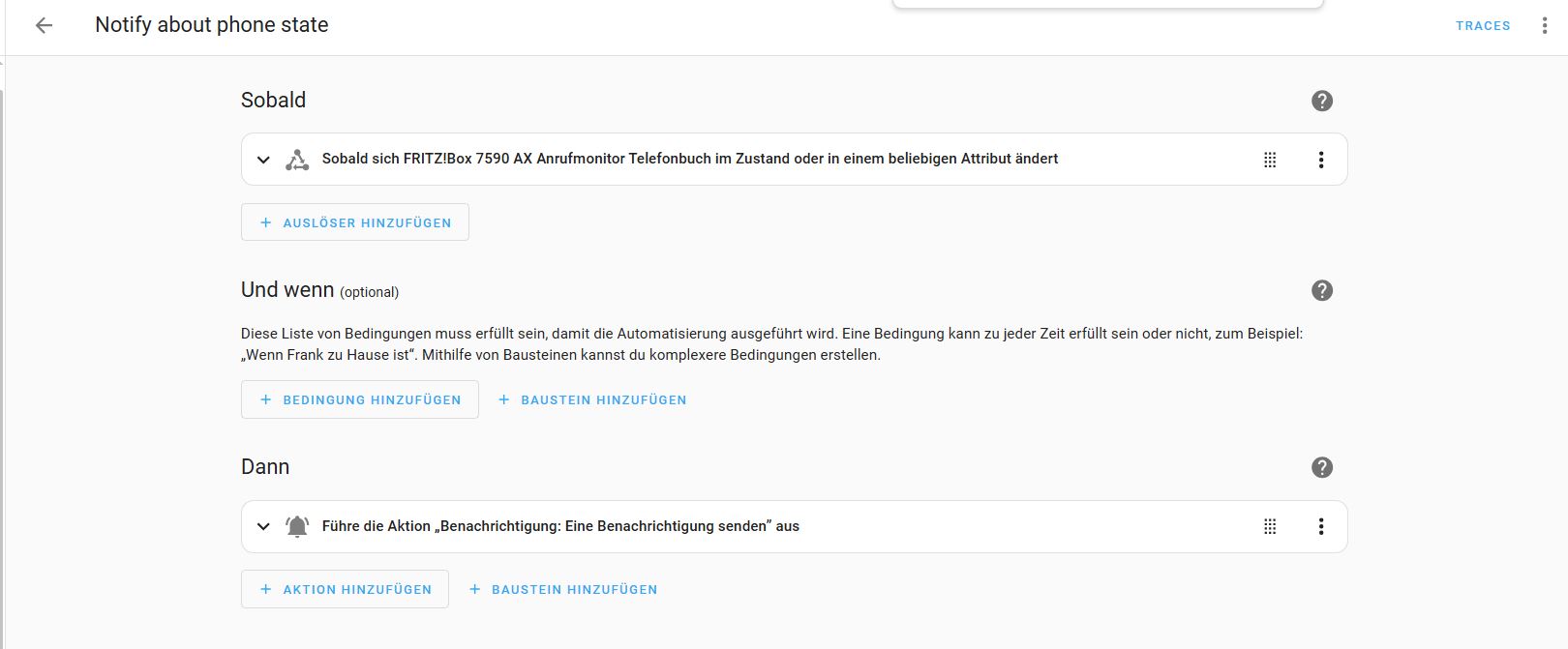
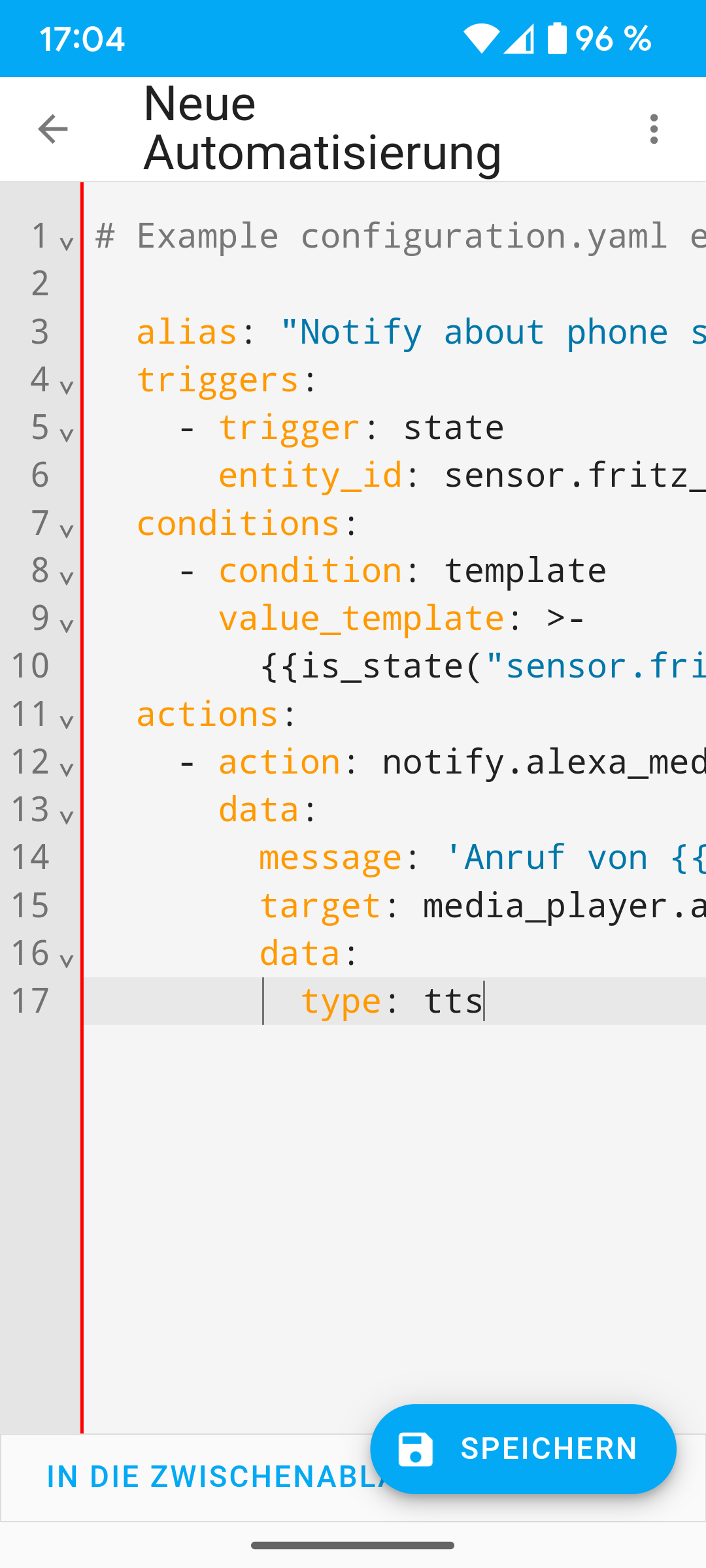
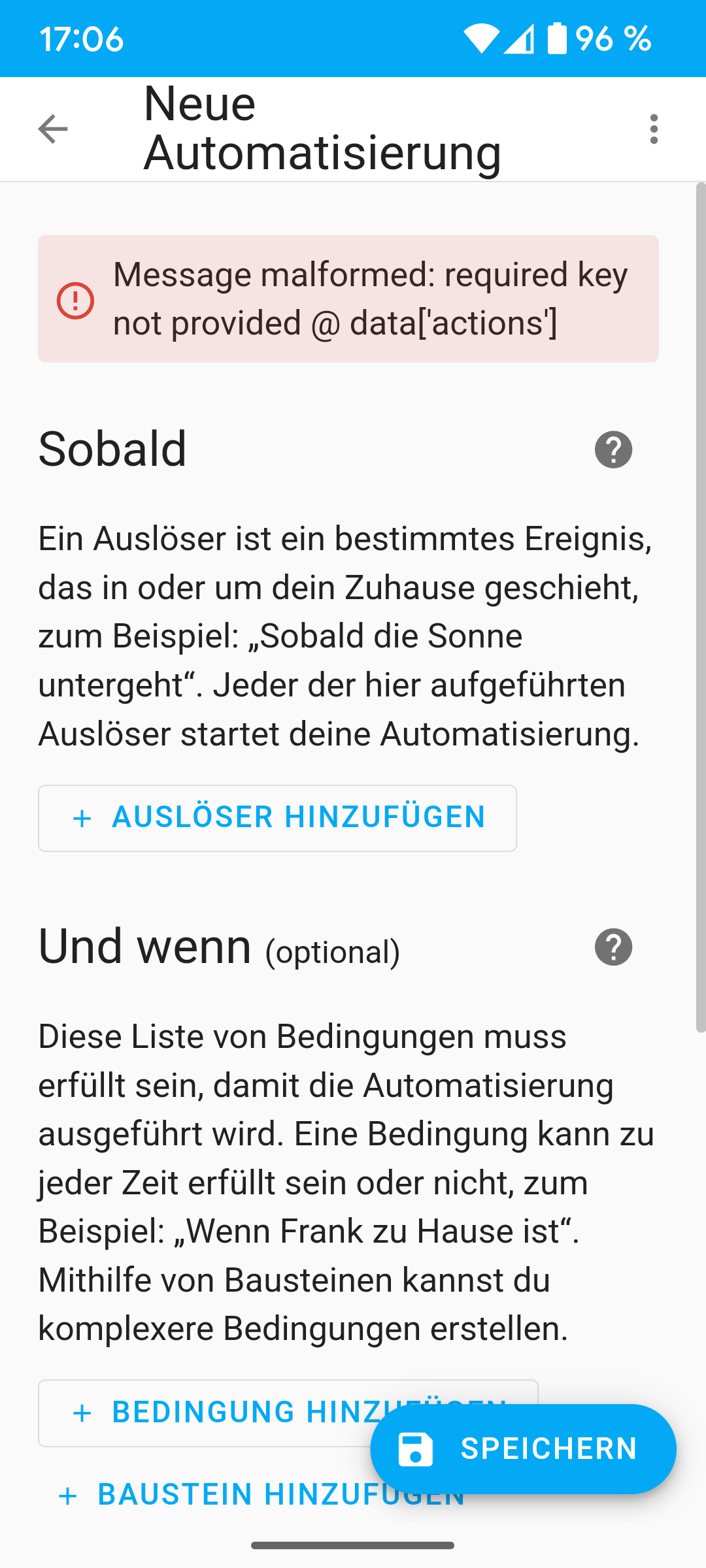
Durch das dass eine Fehlermeldung kommt, kann ich es nicht speichern und somit ist es in der Ansicht visuelle Editor nicht hinterlegt.
Ich habe festgestellt, wenn ich den Eintrag beim message lösche, ist die Fehlermeldung verschwunden.
# Example configuration.yaml entry.

  alias: "Notify about phone state"
  triggers:
    - trigger: state
      entity_id: sensor.fritz_box_7590_ax_call_monitor_telefonbuch
  conditions:
    - condition: template
      value_template: >-
        {{is_state("sensor.fritz_box_7590_ax_call_monitor_telefonbuch", "ringing")}}
  actions:
    - action: notify.alexa_media
      data:
        message:
        target: media_player.alexa_wohnzimmer
        data:
          type: tts
Okay dann probiere mal
  alias: "Notify about phone state"
  triggers:
    - trigger: state
      entity_id: sensor.fritz_box_7590_ax_call_monitor_telefonbuch
  conditions:
    - condition: template
      value_template: >-
        {{is_state("sensor.fritz_box_7590_ax_call_monitor_telefonbuch", "ringing")}}
  actions:
    - action: notify.alexa_media
      data:
        message: Anruf von {{ state_attr('sensor.fritz_box_7590_ax_call_monitor_telefonbuch', 'from_name') }}
        target: media_player.alexa_wohnzimmer
        data:
          type: tts
Musicus
6. November 2024 um 16:33
24
Leider die gleiche Fehlermeldung
Okay, dann mal Schritt für Schritt
alias: "Notify about phone state"
  triggers:
    - trigger: state
      entity_id: sensor.fritz_box_7590_ax_call_monitor_telefonbuch
  conditions:
    - condition: template
      value_template: >-
        {{is_state("sensor.fritz_box_7590_ax_call_monitor_telefonbuch", "ringing")}}
  actions:
    - action: notify.alexa_media
      data:
        message: Anruf
        target: media_player.alexa_wohnzimmer
        data:
          type: announce
          method: speak
Musicus
6. November 2024 um 16:48
26
Geht leider auch nicht
Habe ich nochmals Kontrolliert
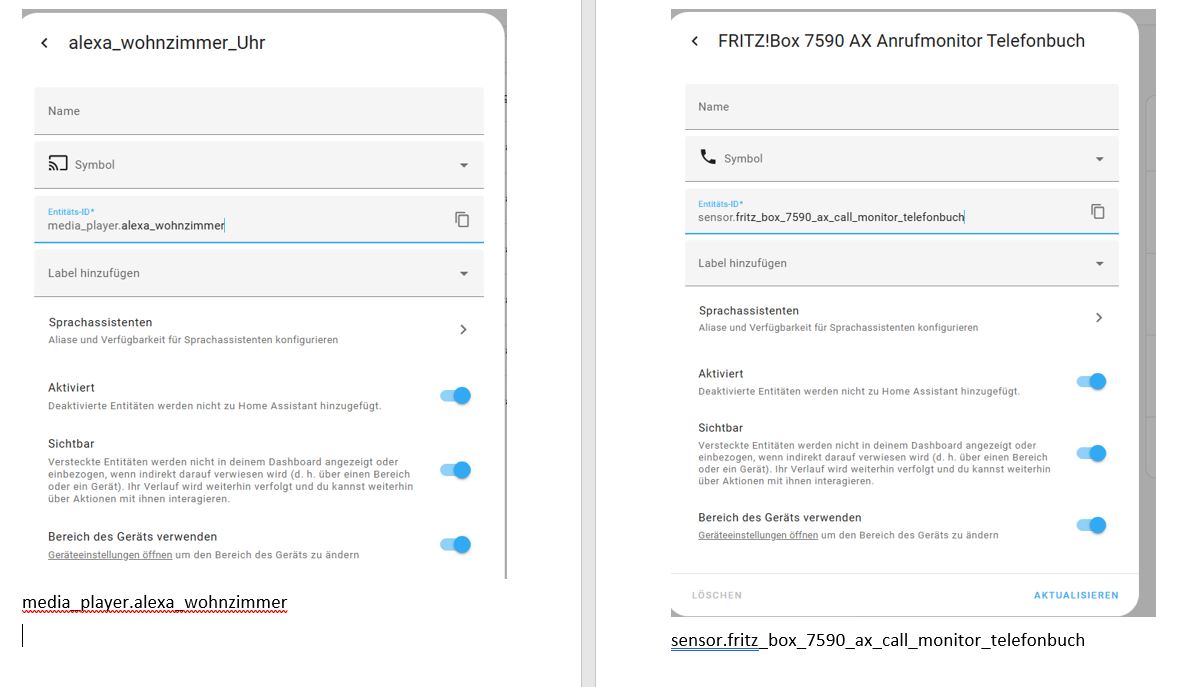
sensor.fritz_box_7590_ax_call_monitor_telefonbuch
Habs nochmal abgeändert. Kommt noch ein Fehler?
Musicus
6. November 2024 um 16:51
29
Ja, immer noch der rote Strich
Wobei hier kann ich es jetzt speichern
Nachtrag:
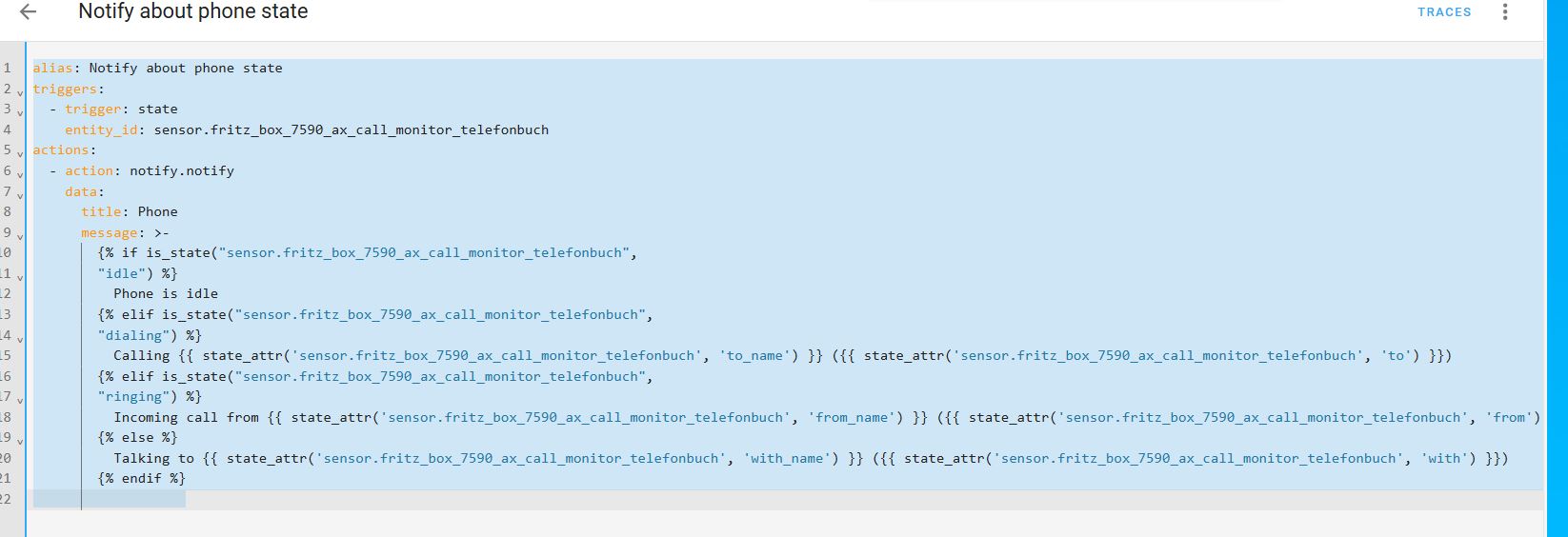
alias: Notify about phone state
triggers:
  - trigger: state
    entity_id: sensor.fritz_box_7590_ax_call_monitor_telefonbuch
actions:
  - action: notify.notify
    data:
      title: Phone
      message: >-
        {% if is_state("sensor.fritz_box_7590_ax_call_monitor_telefonbuch",
        "idle") %}
          Phone is idle
        {% elif is_state("sensor.fritz_box_7590_ax_call_monitor_telefonbuch",
        "dialing") %}
          Calling {{ state_attr('sensor.fritz_box_7590_ax_call_monitor_telefonbuch', 'to_name') }} ({{ state_attr('sensor.fritz_box_7590_ax_call_monitor_telefonbuch', 'to') }})
        {% elif is_state("sensor.fritz_box_7590_ax_call_monitor_telefonbuch",
        "ringing") %}
          Incoming call from {{ state_attr('sensor.fritz_box_7590_ax_call_monitor_telefonbuch', 'from_name') }} ({{ state_attr('sensor.fritz_box_7590_ax_call_monitor_telefonbuch', 'from') }})
        {% else %}
          Talking to {{ state_attr('sensor.fritz_box_7590_ax_call_monitor_telefonbuch', 'with_name') }} ({{ state_attr('sensor.fritz_box_7590_ax_call_monitor_telefonbuch', 'with') }})
        {% endif %}
Das funktioniert nicht:
alias: "Notify about phone state"
  triggers:
    - trigger: state
      entity_id: sensor.fritz_box_7590_ax_call_monitor_telefonbuch
  conditions:
    - condition: template
      value_template: >-
        {{is_state("sensor.fritz_box_7590_ax_call_monitor_telefonbuch", "ringing")}}
  actions:
    - action: notify.alexa_media
      data:
        message: Anruf
        target: media_player.alexa_wohnzimmer
        data:
          type: announce
          method: speak
Dann noch ein Versuch:
alias: "Notify about phone state"
triggers:
  - trigger: state
    entity_id: sensor.fritz_box_7590_ax_call_monitor_telefonbuch
conditions:
  - condition: template
    value_template: >-
        {{is_state("sensor.fritz_box_7590_ax_call_monitor_telefonbuch", "ringing")}}
actions:
  - action: notify.alexa_media
    data:
      message: Anruf
      target: media_player.alexa_wohnzimmer
      data:
        type: announce
        method: speak
Musicus
6. November 2024 um 16:59
31
Das ist ohne Fehler.
Perfekt, dann teste mal ob es funktioniert. Alexa müsste Anruf sagen
Musicus
6. November 2024 um 17:01
33
Alexa sagt jetzt “Anruf”
wie kann ich den Namen hinterlegen (+49) habe gerade mein Fax angerufen. DANKE
Ich habe es jetzt umgeändert, damit alle Alexa was sagen.
alias: Notify funzt im Büro
description: ""
triggers:
  - trigger: state
    entity_id: sensor.fritz_box_7590_ax_call_monitor_telefonbuch
conditions:
  - condition: template
    value_template: >-
      {{is_state("sensor.fritz_box_7590_ax_call_monitor_telefonbuch",
      "ringing")}}
actions:
  - action: notify.alexa_media
    data:
      message: Anruf
      target:
        entity_id:
          - media_player.alexa_wohnzimmer
          - media_player.echo_plus_kuche
          - media_player.echo_dot_schlafzimmer
          - media_player.franks_echo_pop
          - media_player.alexa_tim
          - media_player.echo_dot_vanessa
      data:
        type: announce
        method: speak
mode: single
Perfekt, dann bauen wir darauf mal auf.
alias: "Notify about phone state"
triggers:
  - trigger: state
    entity_id: sensor.fritz_box_7590_ax_call_monitor_telefonbuch
conditions:
  - condition: template
    value_template: >-
        {{is_state("sensor.fritz_box_7590_ax_call_monitor_telefonbuch", "ringing")}}
actions:
  - action: notify.alexa_media
    data:
      message: Anruf von {{ state_attr('sensor.fritz_box_7590_ax_call_monitor_telefonbuch', 'from_name') }}
      target:
        - media_player.alexa_wohnzimmer
        - media_player.echo_plus_kuche
      data:
        type: announce
        method: speak
Musicus
6. November 2024 um 17:10
35
Das funktioniert
Anruf von Anoun bei unbekannt oder Anruf von Frank Handy.
Eine kleine Frage habe ich noch, kann ich die durchsage mehrmals abspielen lassen? Im Moment sagt das Alexa nur einmal.
alias: Notify about phone state
triggers:
  - trigger: state
    entity_id: sensor.fritz_box_7590_ax_call_monitor_telefonbuch
conditions:
  - condition: template
    value_template: >-
      {{is_state("sensor.fritz_box_7590_ax_call_monitor_telefonbuch",
      "ringing")}}
actions:
  - action: notify.alexa_media
    data:
      message: >-
        Anruf von {{
        state_attr('sensor.fritz_box_7590_ax_call_monitor_telefonbuch',
        'from_name') }}
      target:
        - media_player.franks_echo_pop
        - media_player.echo_plus_kuche
        - media_player.alexa_wohnzimmer
        - media_player.echo_dot_schlafzimmer
        - media_player.alexa_tim
        - media_player.echo_dot_vanessa
      data:
        type: announce
        method: speak
Ja, da kannst du in der grafischen Ansicht ein warte nach der Ansage einbauen von ca. 5s und dann den Baustein mit Notify kopieren und darunter wieder einfügen
Musicus
6. November 2024 um 17:45
37
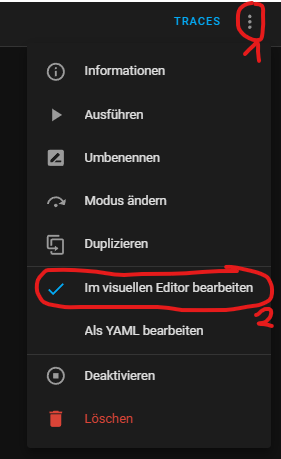
Wo finde ich die grafische Ansicht?
Hi,
in der Automation oben Rechts die 3 Punkte und dann in der Mitte umschalten!
Musicus
6. November 2024 um 19:10
39
Vielen Dank, ich dachte, dass ist so eine Art. Baumdiagramm wie ich mal gesehen.
Dann müsste doch das so richtig sein oder?
alias: Notify about phone state
triggers:
  - trigger: state
    entity_id: sensor.fritz_box_7590_ax_call_monitor_telefonbuch
conditions:
  - condition: template
    value_template: >-
      {{is_state("sensor.fritz_box_7590_ax_call_monitor_telefonbuch",
      "ringing")}}
actions:
  - action: notify.alexa_media
    data:
      message: >-
        Anruf von {{
        state_attr('sensor.fritz_box_7590_ax_call_monitor_telefonbuch',
        'from_name') }}
      target:
        - media_player.franks_echo_pop
        - media_player.echo_plus_kuche
        - media_player.alexa_wohnzimmer
        - media_player.echo_dot_schlafzimmer
        - media_player.alexa_tim
        - media_player.echo_dot_vanessa
      data:
        type: announce
        method: speak
  - delay:
      hours: 0
      minutes: 0
      seconds: 5
      milliseconds: 0
  - action: notify.alexa_media
    data:
      message: >-
        Anruf von {{
        state_attr('sensor.fritz_box_7590_ax_call_monitor_telefonbuch',
        'from_name') }}
      target:
        - media_player.franks_echo_pop
        - media_player.echo_plus_kuche
        - media_player.alexa_wohnzimmer
        - media_player.echo_dot_schlafzimmer
        - media_player.alexa_tim
        - media_player.echo_dot_vanessa
      data:
        type: announce
        method: speak
Ja genau, das schaut gut aus. Musst halt mal probieren, welche Wartezeit am besten passt
Musicus
6. November 2024 um 23:06
41
Vielen lieben Dank, das hilft mir sehr.
Musicus
13. November 2024 um 23:02
42
Hallo zusammen,
derzeit ist es bei mir so, dass Alexa alle Anrufe, bei denen der Name bei mir im Adressbuch der Fritzbox hinterlegt ist ansagt.
Ist die Nummer nicht hinterlegt, fähr
gibt Alexa nur “anon”’ aus.
In der AVM Call Monitor App st bei mir noch folgendes offen.
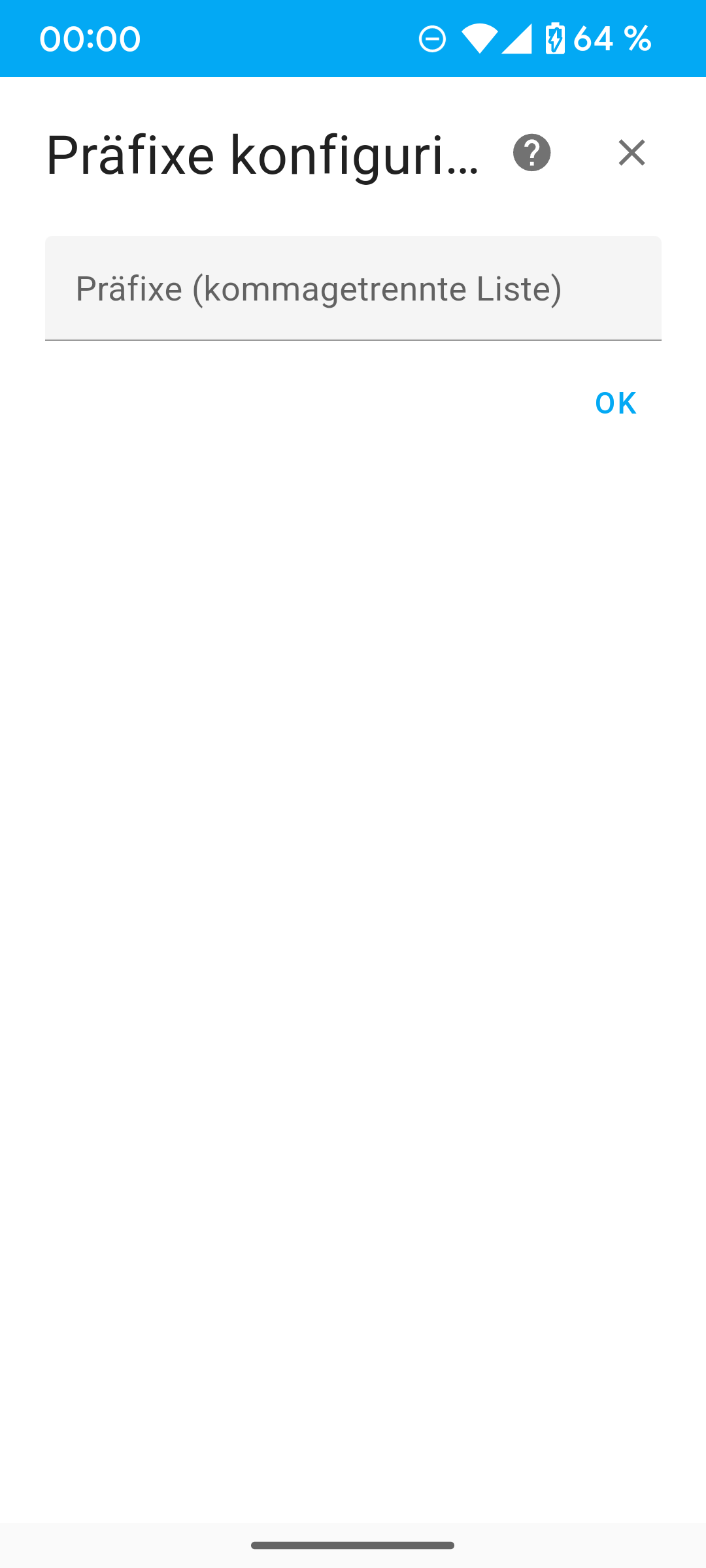
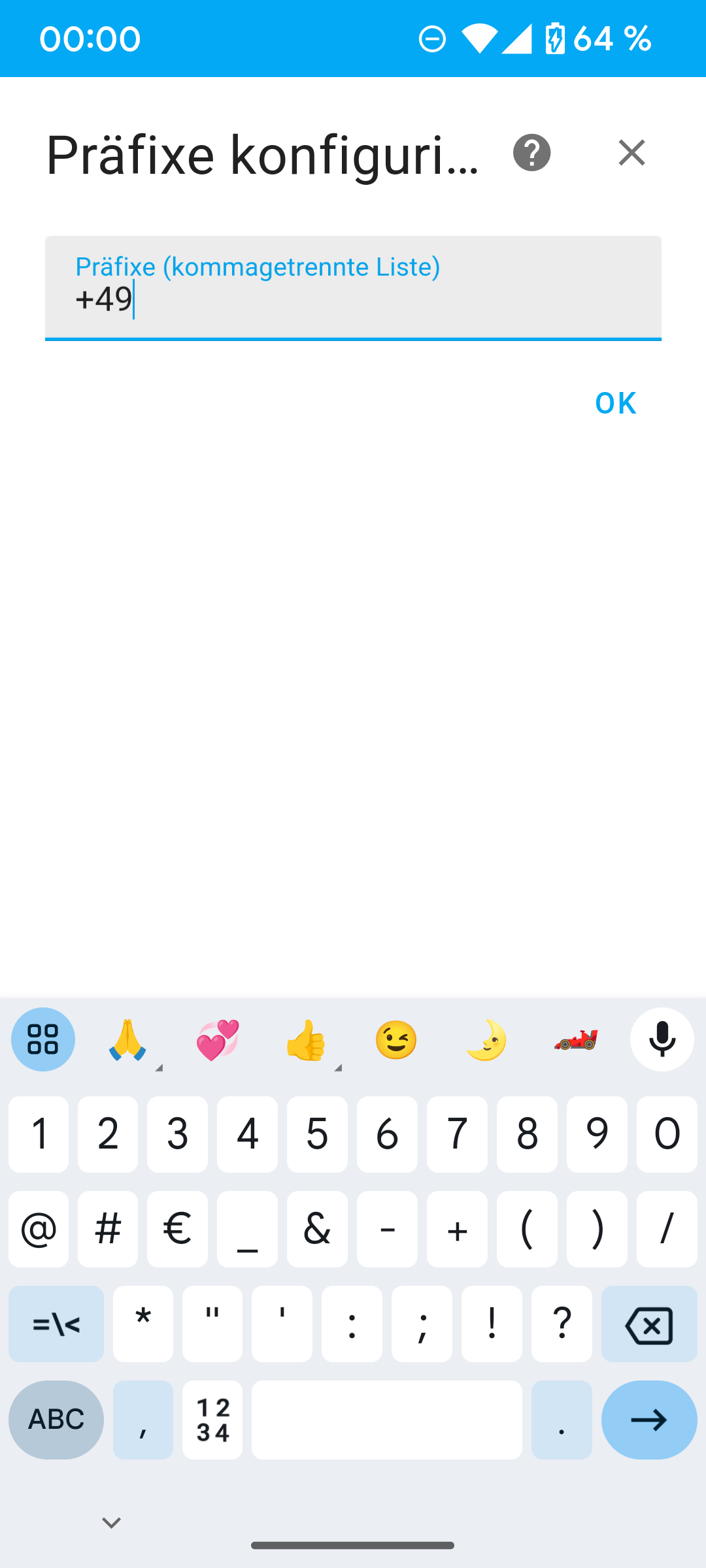
Muss ich da +49 eintragen?
Vielen Dank
 by HarryP: Zusammenführung Doppelpost (bitte “bearbeiten” Funktion nutzen)