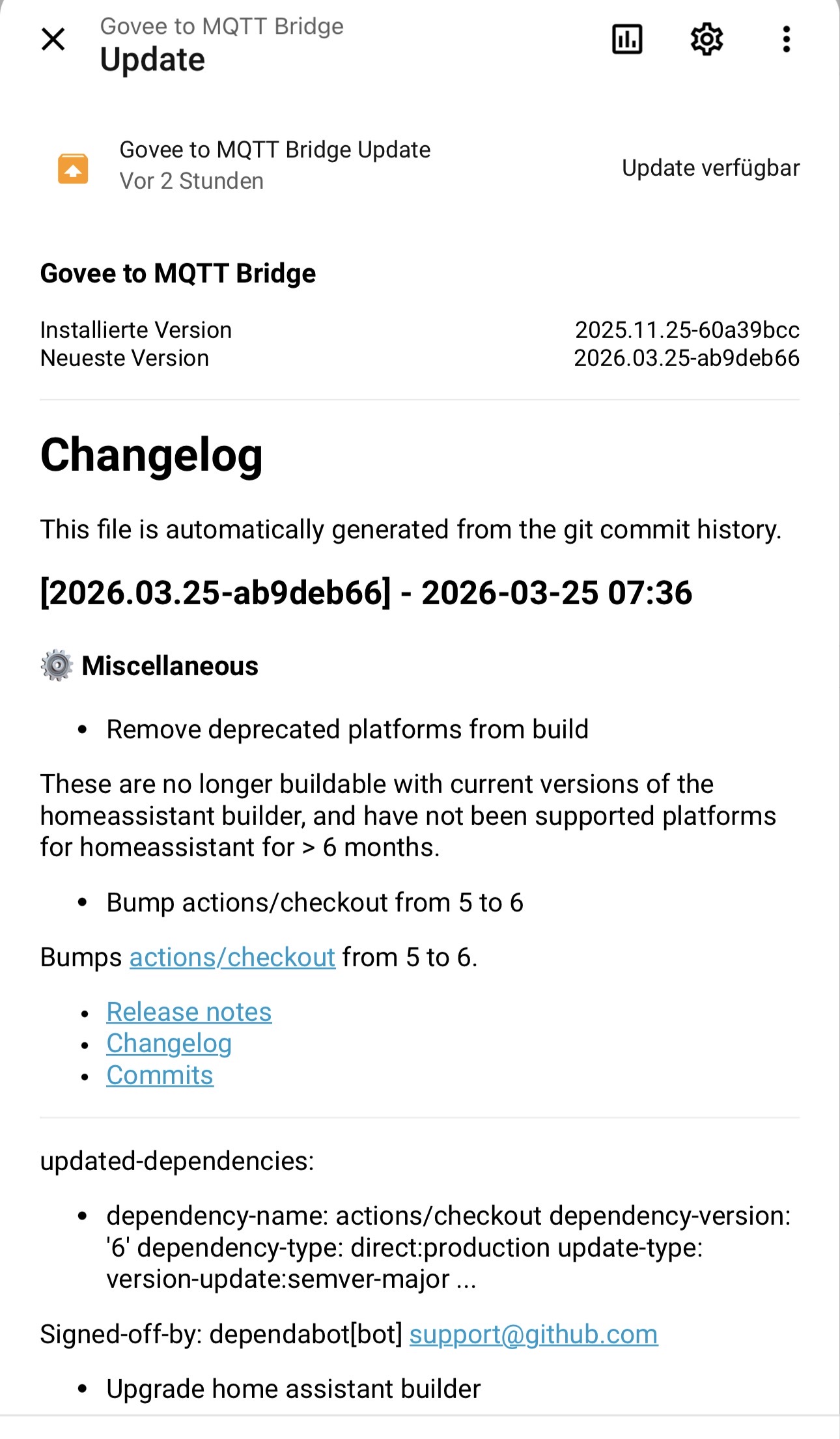
Moin. Danke für den Hinweis, vielleicht irgendwann hilfreich, aber bei mir funktioniert es bisher immer noch. Habe alles so gelassen und nichts geändert.
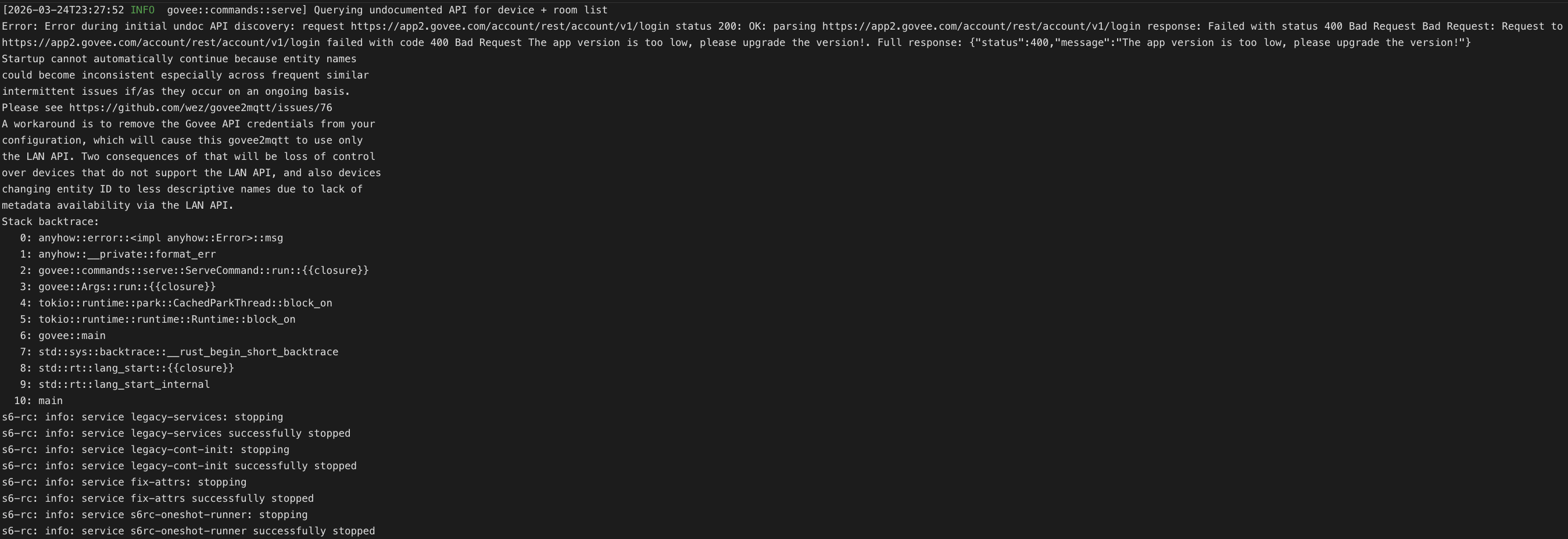
Damit gehen auch die Szenen wieder ; allerdings nur, wenn man wieder E-Mail und Passwort zusätzlich zum API-Key in der Konfiguration einträgt.
In der Integration MQTT dann auf den Eintrag “Govee to MQTT” gehen und dort “Purge Caches” drücken. Danach war hier alles wieder okay, inklusive der Szenen.
Falls jemand das gleiche Problem hat.
Ich musste nach dem Update im Log des Govee2MQTT Addon das lesen:
[14:08:04] INFO: MQTT broker not ready yet (attempt 27/30), waiting 2 seconds...
[14:08:06] ERROR: Got unexpected response from the API: Service not enabled
[14:08:06] INFO: MQTT broker not ready yet (attempt 28/30), waiting 2 seconds...
[14:08:08] ERROR: Got unexpected response from the API: Service not enabled
[14:08:08] INFO: MQTT broker not ready yet (attempt 29/30), waiting 2 seconds...
[14:08:10] ERROR: Got unexpected response from the API: Service not enabled
[14:08:11] INFO: MQTT broker not ready yet (attempt 30/30), waiting 2 seconds...
[14:08:13] ERROR: MQTT broker did not become available after 30 attempts
[14:08:13] FATAL: Mosquitto MQTT broker is not available
s6-rc: info: service legacy-services: stopping
s6-rc: info: service legacy-services successfully stopped
s6-rc: info: service legacy-cont-init: stopping
s6-rc: info: service legacy-cont-init successfully stopped
s6-rc: info: service fix-attrs: stopping
s6-rc: info: service fix-attrs successfully stopped
s6-rc: warning: service s6rc-oneshot-runner is marked as essential, not stopping it
Also das MQTT Addon noch neugestartet und dann hat es auch bei mir funktioniert.
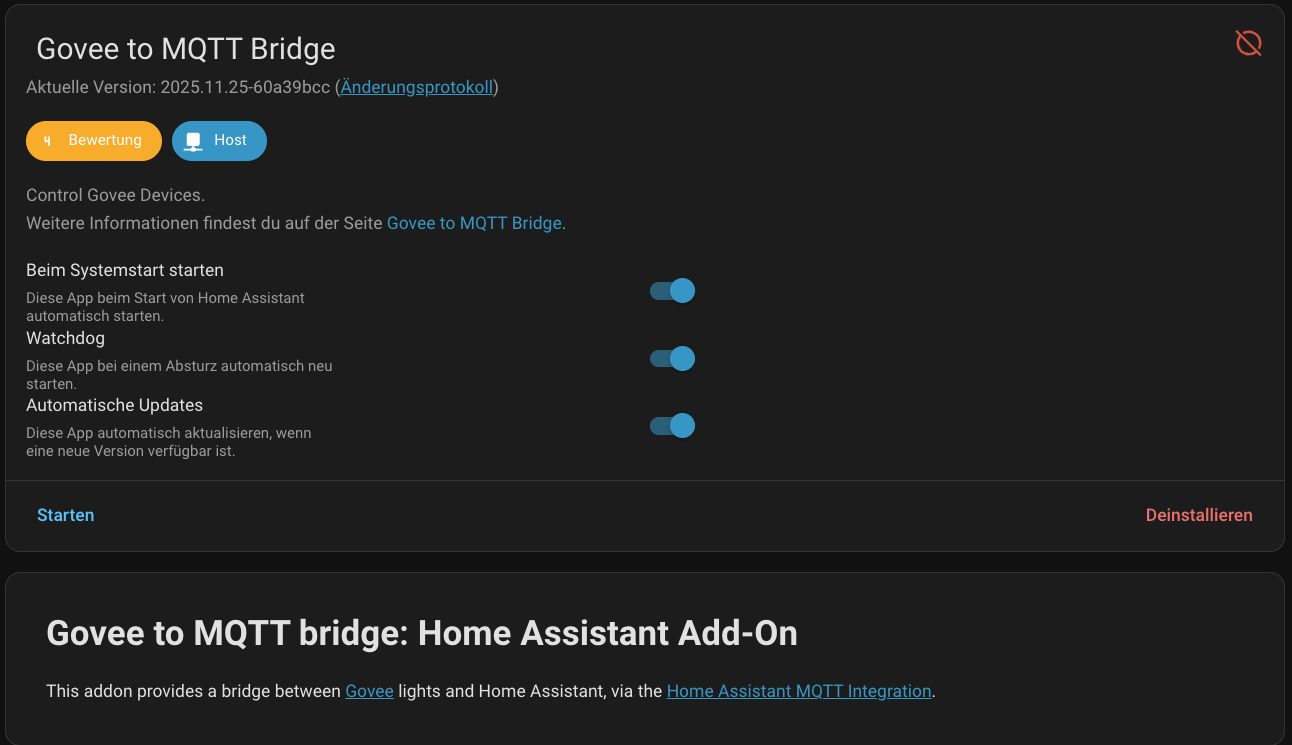
 ; allerdings nur, wenn man wieder E-Mail und Passwort zusätzlich zum API-Key in der Konfiguration einträgt.