Hallo,
ich habe eine Custom-Button-Card auf der ich mir die Anzahl der offenen Fenster anzeigen lasse:
Code
type: custom:button-card
entity: sensor.offene_fenster
show_name: false
show_state: true
state:
  - operator: "=="
    value: 0
    icon: mdi:window-closed-variant
    color: var(--primary-color)
  - operator: ">="
    value: 1
    icon: mdi:window-open-variant
    color: var(--accent-color)
hold_action:
  action: none
tap_action:
  action: navigate
  navigation_path: fenster-turen
Zusätzlich hätte ich gerne bei der Tap-Action den Namen der offenen Fenster angezeigt.
Bekommt man das hin? Ich habe das über BrowserMod probiert, ohne Erfolg.
BrowserMod scheint mal korrekt installiert zu sein.
Kann mir jemand helfen?
Danke euch,
Tom
Ich verwende Browser Mod schon ne Weile nicht mehr, aber Popups ließen sich mit der Aktion fire-dom-event aufrufen.
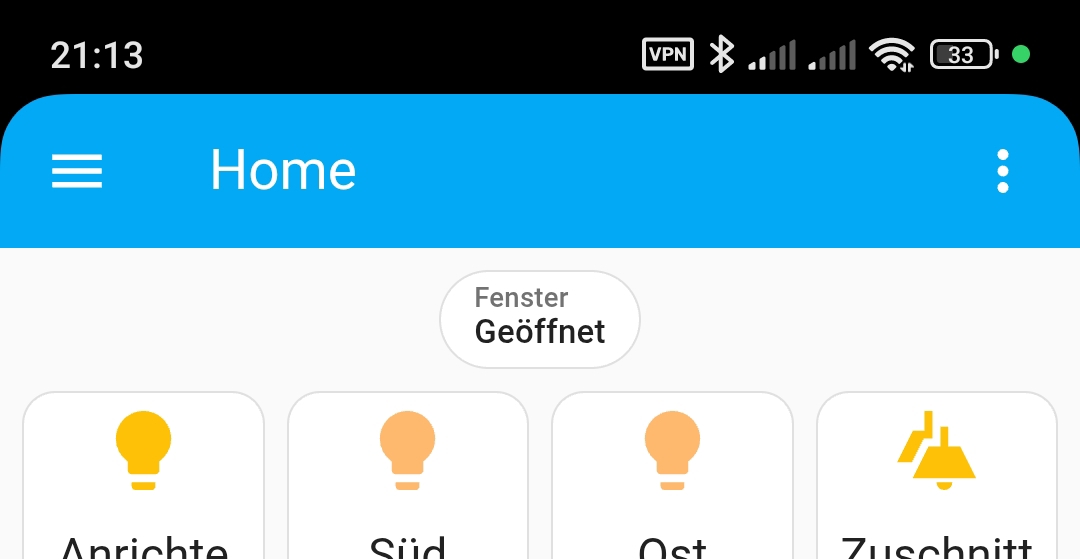
Ich habe ein badge, das mir anzeigt ob Fenster offen sind.
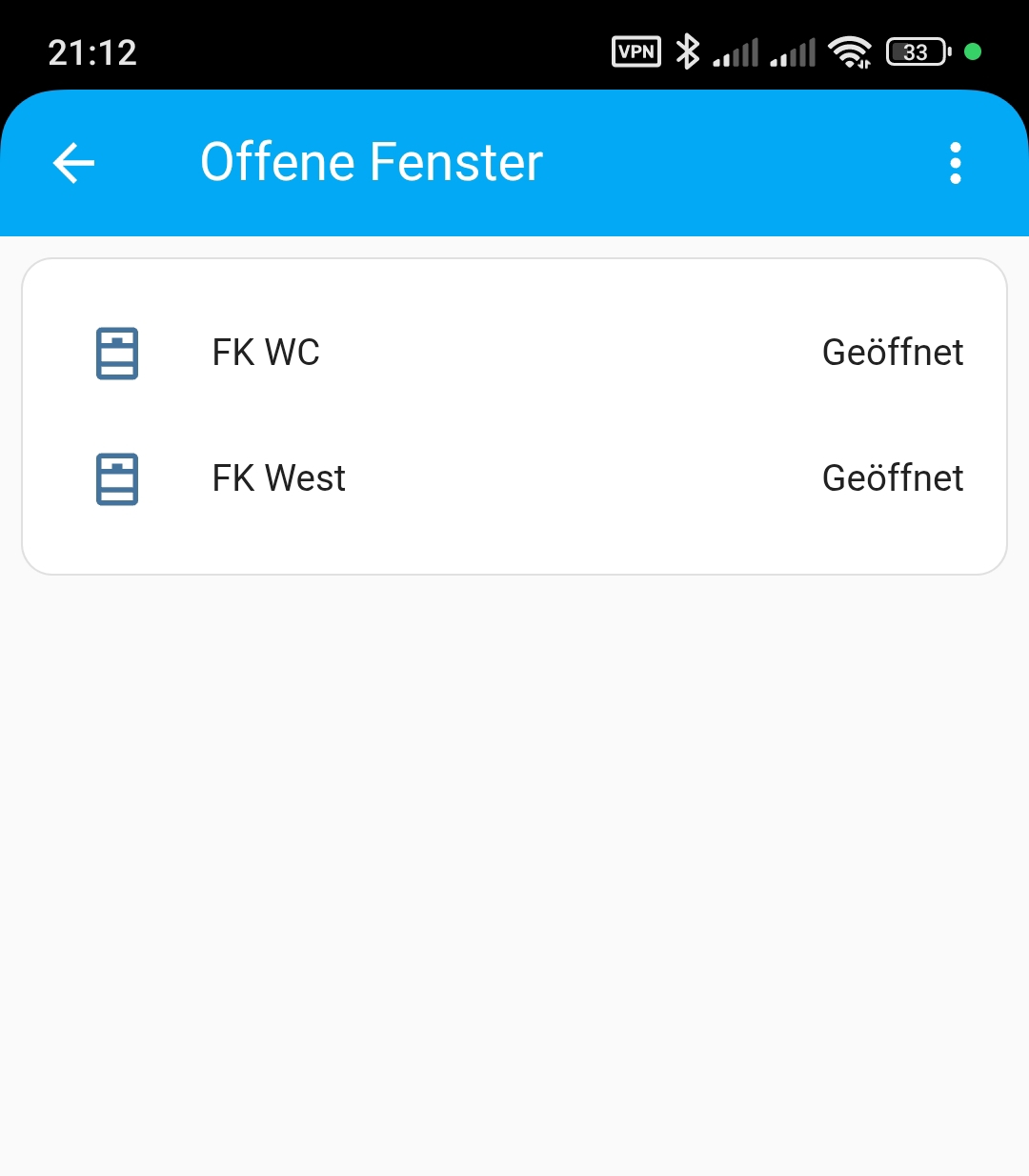
Als Tap Action habe ich den Aufruf einer eigenen Seite gewählt.
Auf dieser Seite habe die “Auto Entity Card”:
- Zeige mir alle Fenster
- Bedingung: Fenster ist geöffnet
Ich habe es so probiert… leider scheint das fire-dom-event nicht zu funktionieren…
type: custom:button-card
entity: sensor.offene_fenster
show_name: false
show_state: true
state:
  - operator: "=="
    value: 0
    icon: mdi:window-closed-variant
    color: var(--primary-color)
  - operator: ">="
    value: 1
    icon: mdi:window-open-variant
    color: var(--accent-color)
tap_action:
  action: fire-dom-event
  browser_mod:
    command: popup
    title: Offene Fenster
    deviceID:
      - browser_mod_tablet
    card:
      type: custom:auto-entities
      card:
        type: entities
        title: Offen
      filter:
        include:
          - domain: binary_sensor
            attributes:
              device_class: window
            state: 'on'
      sort:
        method: name
    size: normal
Hier mal der Code von meinem Badgev
type: entity
show_name: true
show_state: true
show_icon: false
entity: binary_sensor.alle_fenster
state_content: state
visibility:
  - condition: state
    entity: binary_sensor.alle_fenster
    state: "on"
tap_action:
  action: navigate
  navigation_path: /dashboard-fenster
name: Fenster
Das Dashboard “Fenster” hat diesen Code:
views:
  - title: 'Offene Fenster '
    sections:
      - type: grid
        cards:
          - type: custom:auto-entities
            card:
              type: entities
              show_header_toggle: false
              state_color: false
            filter:
              include:
                - entity_id: binary_sensor.fen*
              exclude:
                - state: 'off'
            sort:
              method: name
            grid_options:
              columns: full
            show_empty: false
    type: sections
    max_columns: 4
    subview: true
    cards: []
Ein weites Feld…
Bei mir sah das immer so aus:
action: fire-dom-event
browser_mod:
  service: browser_mod.popup
  data:
    title: System
    right_button: close
    timeout: 10000 # Millisekunden
    size: wide # normal / wide / fullscreen
    style: !include ../styles/popups.yaml

    card_mod:
      style: !include ../styles/popups_card_mod.yaml

    content:
      type: custom:layout-card
      usw.
Schau gegebenenfalls noch mal in die Dokumentation, es gab wohl ein großes Update.
Ich habe es jetzt mit einem Unterfenster gelöst.
Geht auch gut.