Google has some extra layers of protection that need special attention. You must use an application-specific password in your notification configuration.
If any of the following conditions are met you will not be able to create an app password:
You do not have 2-step verification enabled on your account.
You have 2-step verification enabled but have only added a security key as an authentication mechanism.
Your Google account belongs to a Google Workspace that has disabled this feature. Accounts owned by a school, business, or other organization are examples of Google Workspace accounts.
Also gehen wir das doch durch:
You do not have 2-step verification enabled on your account.
Du hast 2-step verification.
You have 2-step verification enabled but have only added a security key as an authentication mechanism.
Das kann ich so nicht sagen wie es bei dir aus sieht.
Your Google account belongs to a Google Workspace that has disabled this feature. Accounts owned by a school, business, or other organization are examples of Google Workspace accounts.
Da gehe ich mal von aus das du da mit deinem Privat Account nicht drin bist.
Also je nachdem kann es funktionieren oder nicht, aber wir wissen halt nicht dein kompletten Google Einstellungen.
Heißt das jetzt, dass die Zugangsdaten falsch sind.
Das von Google erstellte App Passwort (jetzt ganz neu erstellt) sieht allerdings sehr merkwürdig aus. Und zwar mit Leerzeichen: “pxxp azza dwwo maaa”
(Ich habe bewusst ein paar Buchstaben hier ausgetauscht)
Passwörter sind doch immer OHNE Leerzeichen oder?.
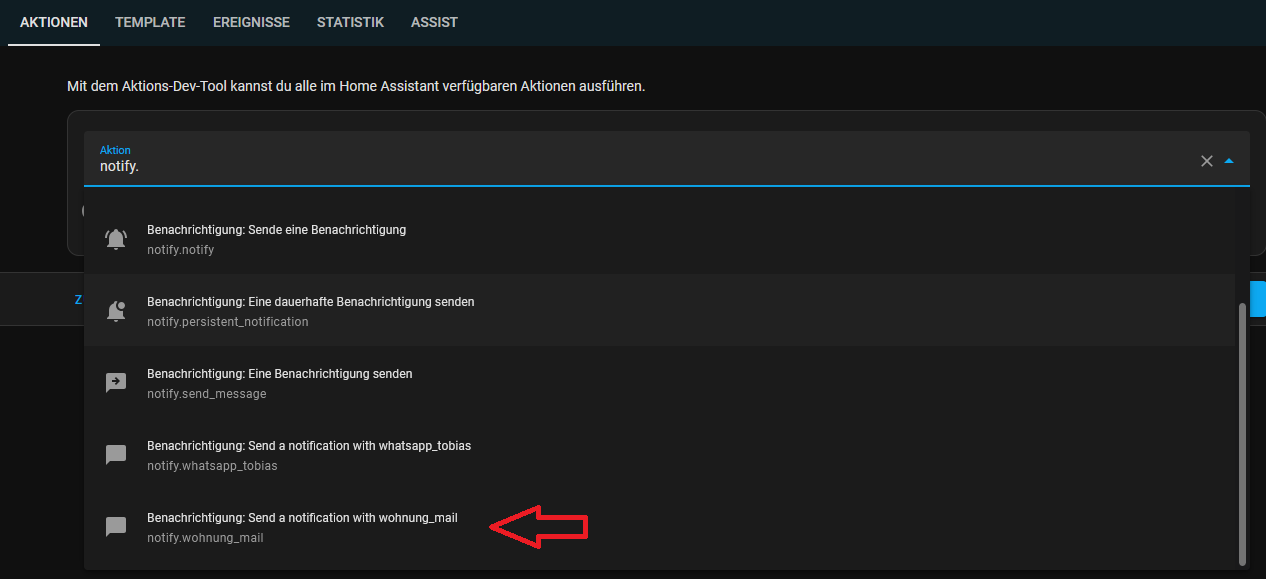
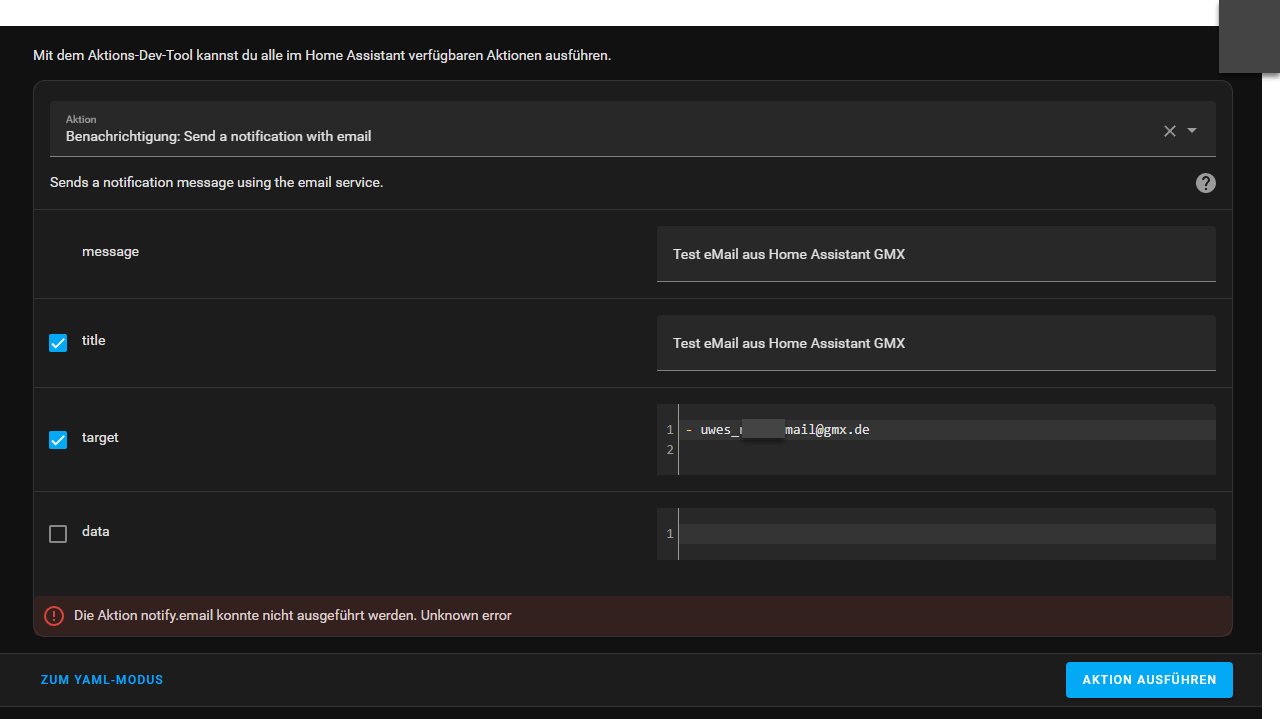
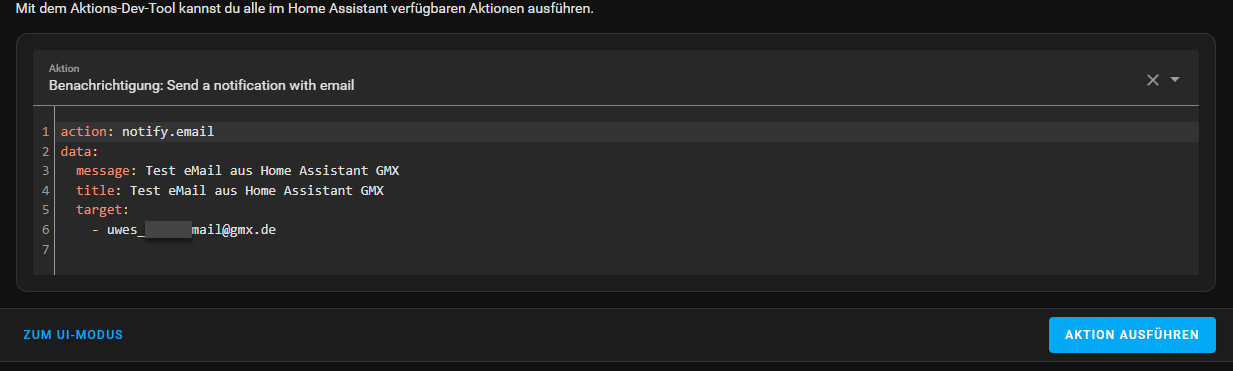
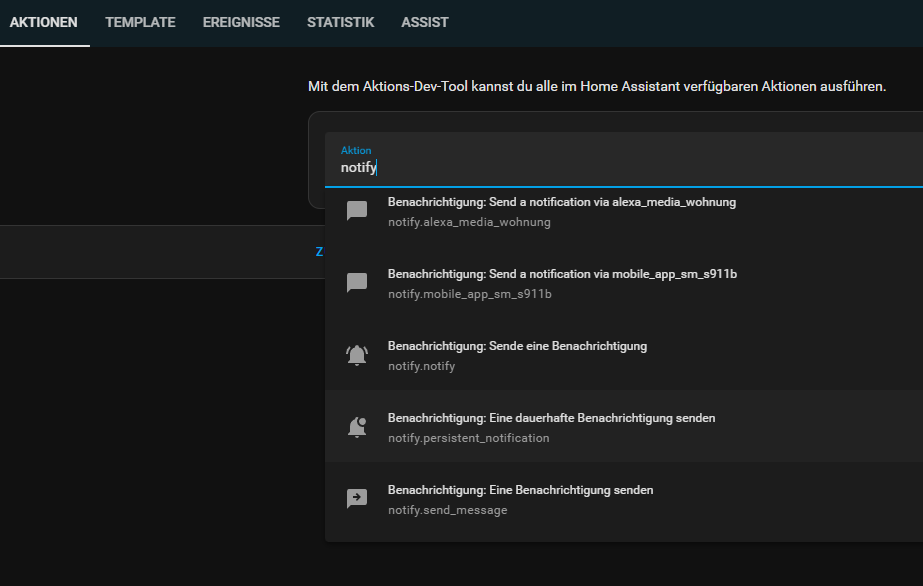
Den Sonnst musst du mal in den Entwicklerwerkzeugen bei den Aktionen gucken und nach notify. suchen dann wird dir da auch irgendwo deine Mail angeboten.
Ich habe ein neues ganz merkwürdiges Problem. Bei den Entwicklerwerkzeugen ist bei den Aktionen alle leer. Da geht gar nichts mehr. Habe auch das komplette System neu geladen. Vorher natürlich geprüft.
Ach ja, mal wieder Cache leeren. Das ist ziemlich oft notwendig. Vergesse ich immer wieder.
In dem Zusammenhang eine Extrafrage: Ich benutzte meist den Chrome Browser. Wie ich die Hotkey zum Cacheleeren. Ich gehe immer den langen Weg über die Chrome-Einstellungen
Du kannst sonst auch weiter tippen notify.e wenn da noch zu viel angeboten wird.
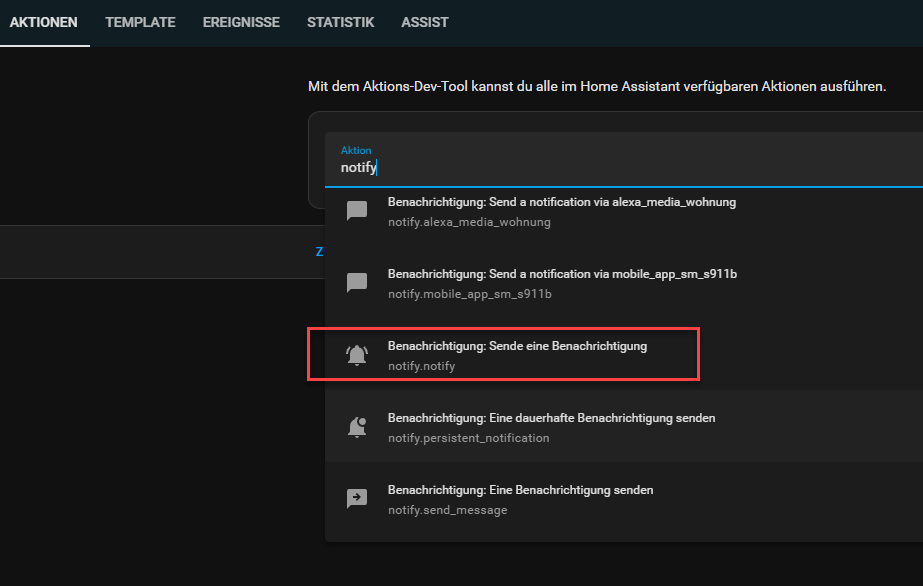
notify.notify würde ich nicht nehmen, das sendet nur an die erste notify action die das System findet. Quelle:
Be aware that the notify.notify action is shorthand for the first notify action the system can find. It might not work as intended. Choose a specific action to make sure your message goes to the right place.
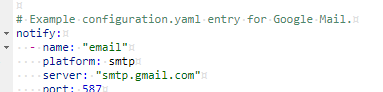
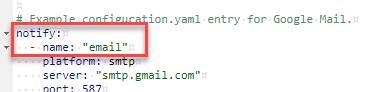
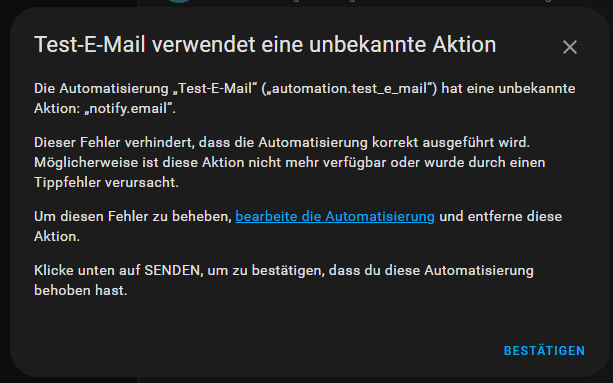
Wenn der von Dir angelegte notify.email nicht auftaucht ( nach einem Home Assistant Neustart) Dann ist die Konfiguration fehlerhaft, z.B. falsche Zugangsdaten.
Der neue Email notifyer, wird erst angelegt, wenn die Verbindung zum Server erfolgreich war.
Oje, bei einer anderen Anwendung nicht Home Assistant) sind genau diese Zugangsdaten korrekt.
Aber jetzt weiß ich, wo ich schauen muss.
Ich habe noch eine web.de eMail Adresse. Allerdings auch im Zweischrittverfahren. Das macht irgendwie auch bei Gmail Probleme (trotz des eingerichteten App Passwortes).
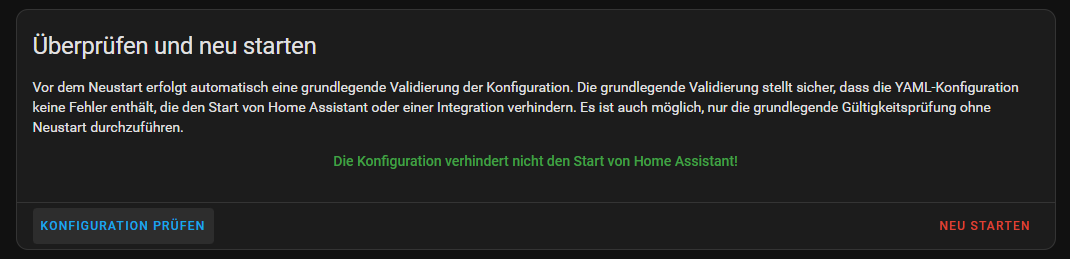
Ich habe daraufhin die Daten notijy.email für GMX komplett in der configuration.yaml gelöscht und 100% dann das gleiche nochmal händisch eingegeben. Jetzt kommet “notify.email”




 by tarag: Code in
  hilft eigentlich auch meistens.